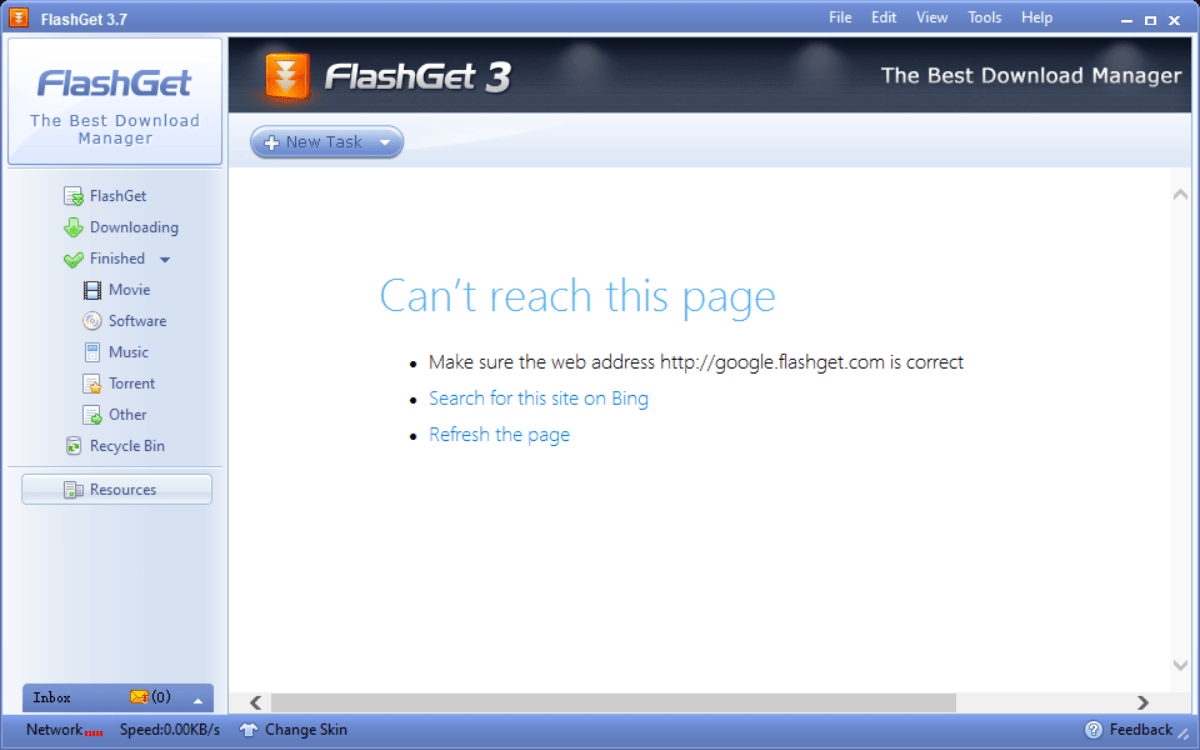
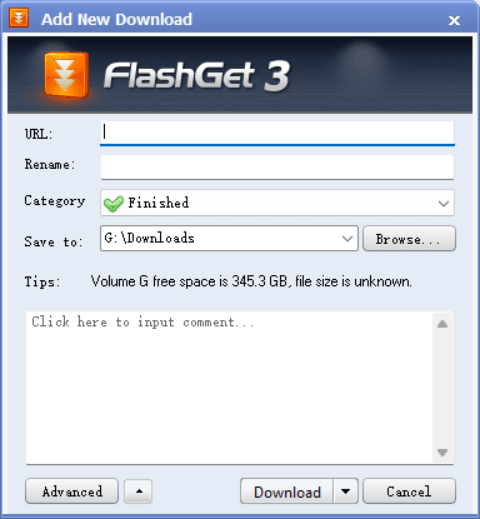
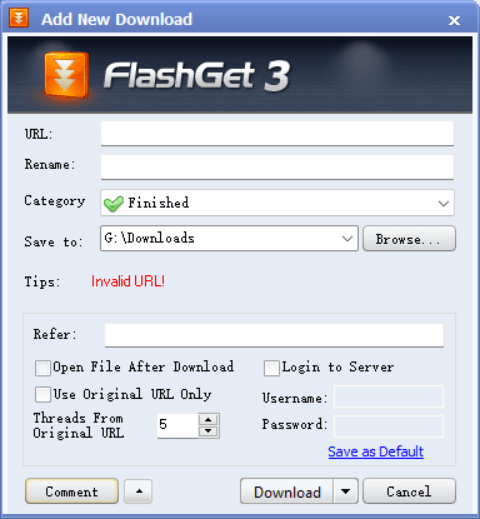
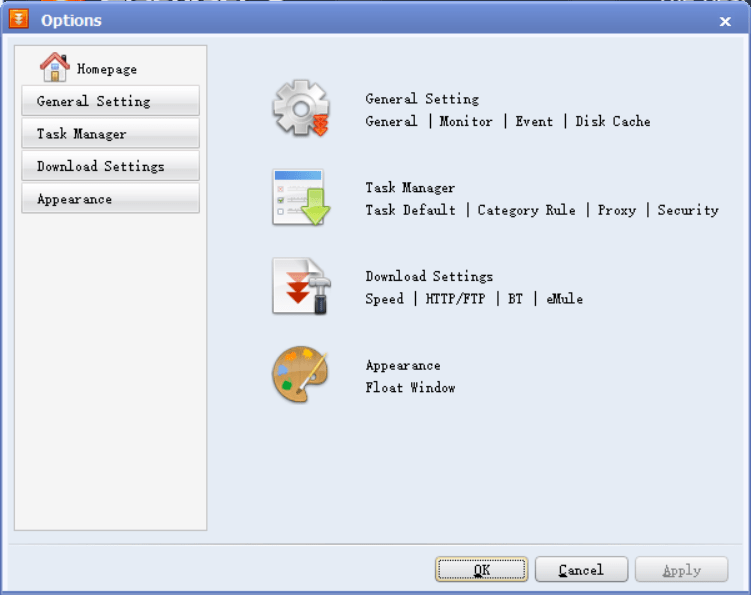
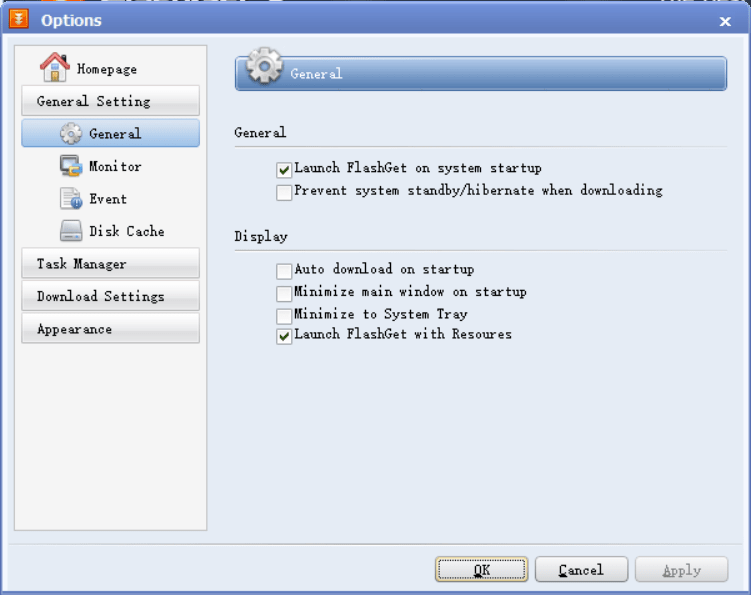
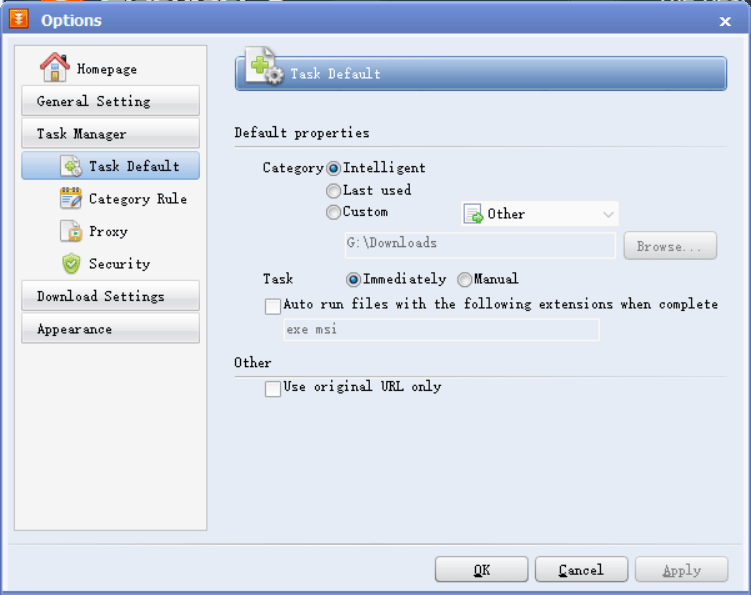
Dedicated download managers were a big thing in the past. Even now, some classic tools like FlashGet remain quite popular. It is a free download manager for Windows designed to organize, accelerate, and streamline the process of fetching files from the internet. While modern web browsers have improved their built-in download capabilities, they still fall short when handling massive files, interrupted connections, or complex protocols. FlashGet steps in to solve these issues by offering a centralized workspace for all your downloading needs.
No matter what the size of the file is, FlashGet is designed to handle almost anything. You can not only grab standard files across all formats, but also torrents, which makes it stand out from the bunch. It works with advanced file-splitting techniques to ensure maximum speed is utilized from your connection, making your transfers as fast as possible.
Download acceleration (MHT)
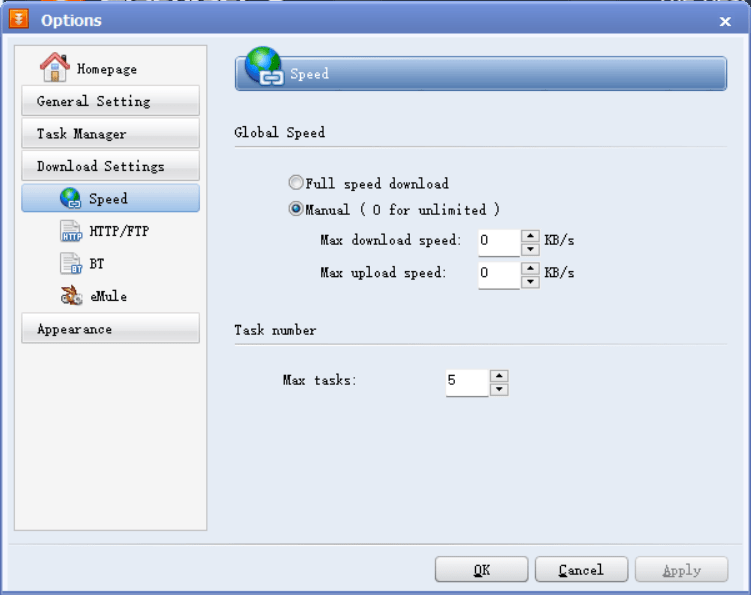
The heart of FlashGet’s excellent performance is the Multi-server Hyper-threading Transportation (MHT) technique. Unlike standard browser downloads that pull a file in a single stream, FlashGet splits files into smaller segments and grabs them concurrently. This approach can reportedly increase transfer speeds by 6 to 10 times (depending on your connection and other active tasks), ensuring you get your files as quickly as your network allows.Protocol support
Where FlashGet truly shines is its versatility. Within a single app, you get support for HTTP, FTP, BitTorrent, eMule, MMS, and more. This broad protocol support means you can manage regular files as well as torrents right within a single place.
Now, there are times when FlashGet struggles with onboarding torrent and magnet files. You usually just have to try again when a timeout occurs.Smart monitoring and Resource Detector
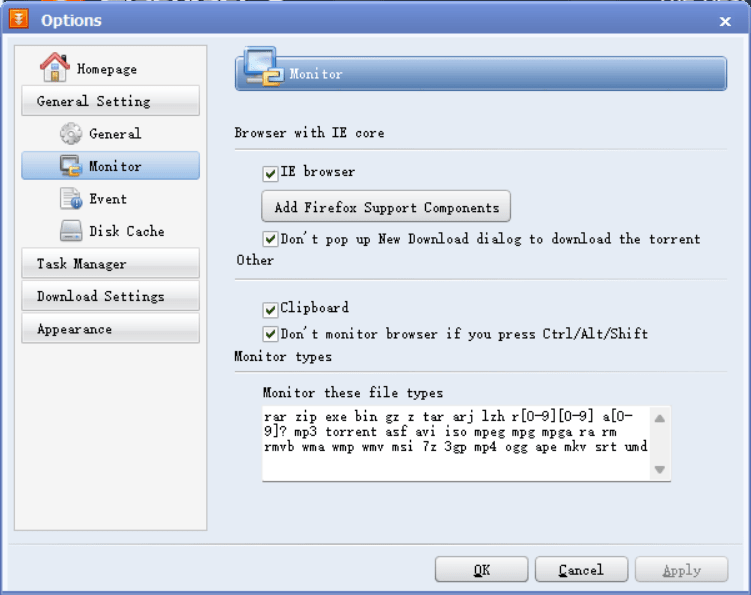
FlashGet offers live browser monitoring. The moment you copy a link, a pop-up automatically opens, asking if you want to start the transfer. Alongside this, the built-in Resource Detector can scan websites for offline media extraction - including images, software, and FTP resources. If something is available on the web page, the app will show you a list and let you pull the files if you want.Automated anti-virus scanning
When fetching anything from the internet, security should be a main priority, especially for heavy users. FlashGet includes a built-in feature that scans completed files using your system’s anti-virus software to ensure no malicious files get into your PC.Pricing
FlashGet operates on a freeware model, meaning it is completely free to use. However, the interface is ad-supported and will occasionally display banner advertisements.A great download manager and accelerator
FlashGet is highly recommended for Windows users who need a powerful, all-in-one transfer manager, particularly those who regularly switch between direct links and torrents. It is exceptionally fast and rich in management features. However, as a potential user, you must know that it has not been updated for a while, and the UI looks like an app from the Windows XP era.